
Get your evenings back this week.
Bail is a free iPhone app blocker without an off switch.

Bail is a free iPhone app blocker without an off switch.
Sound familiar?
How it works
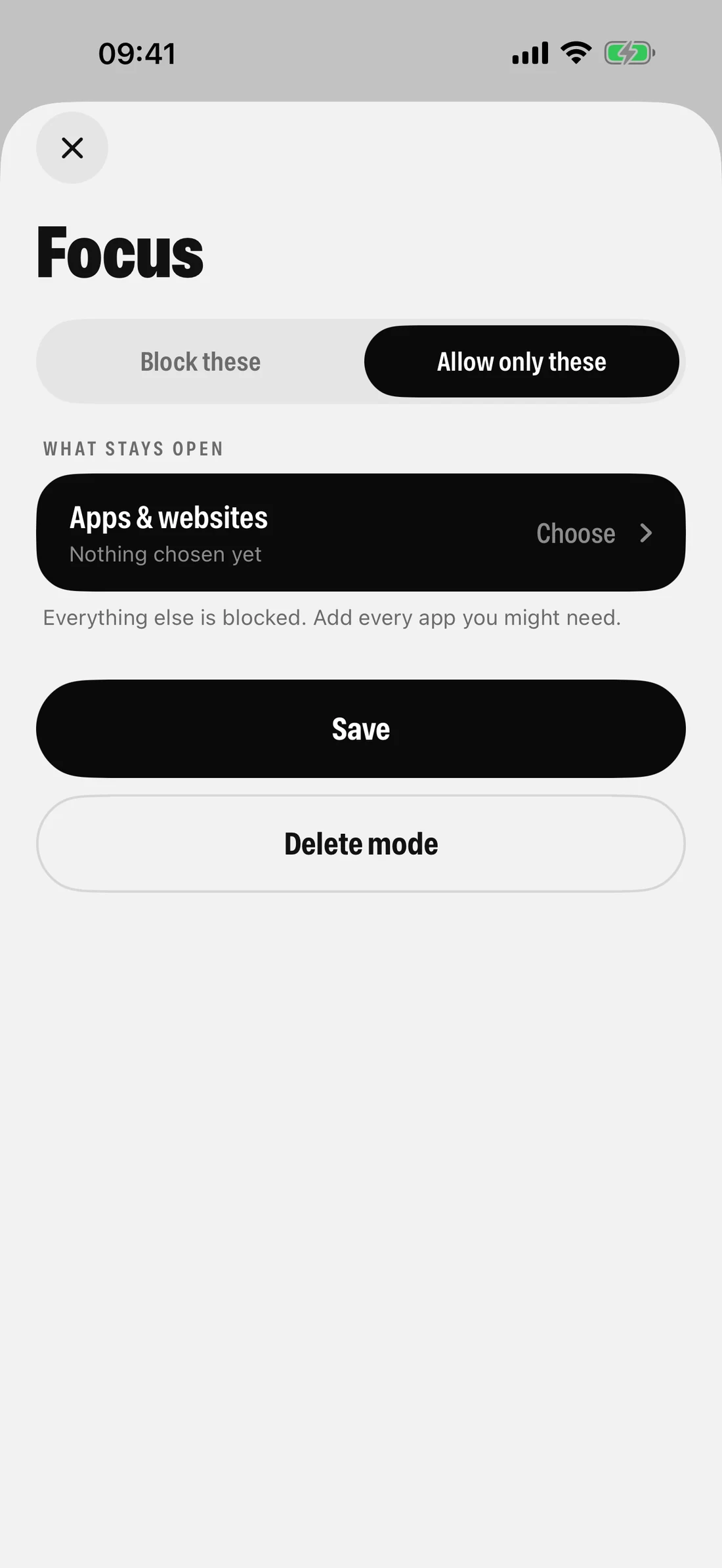
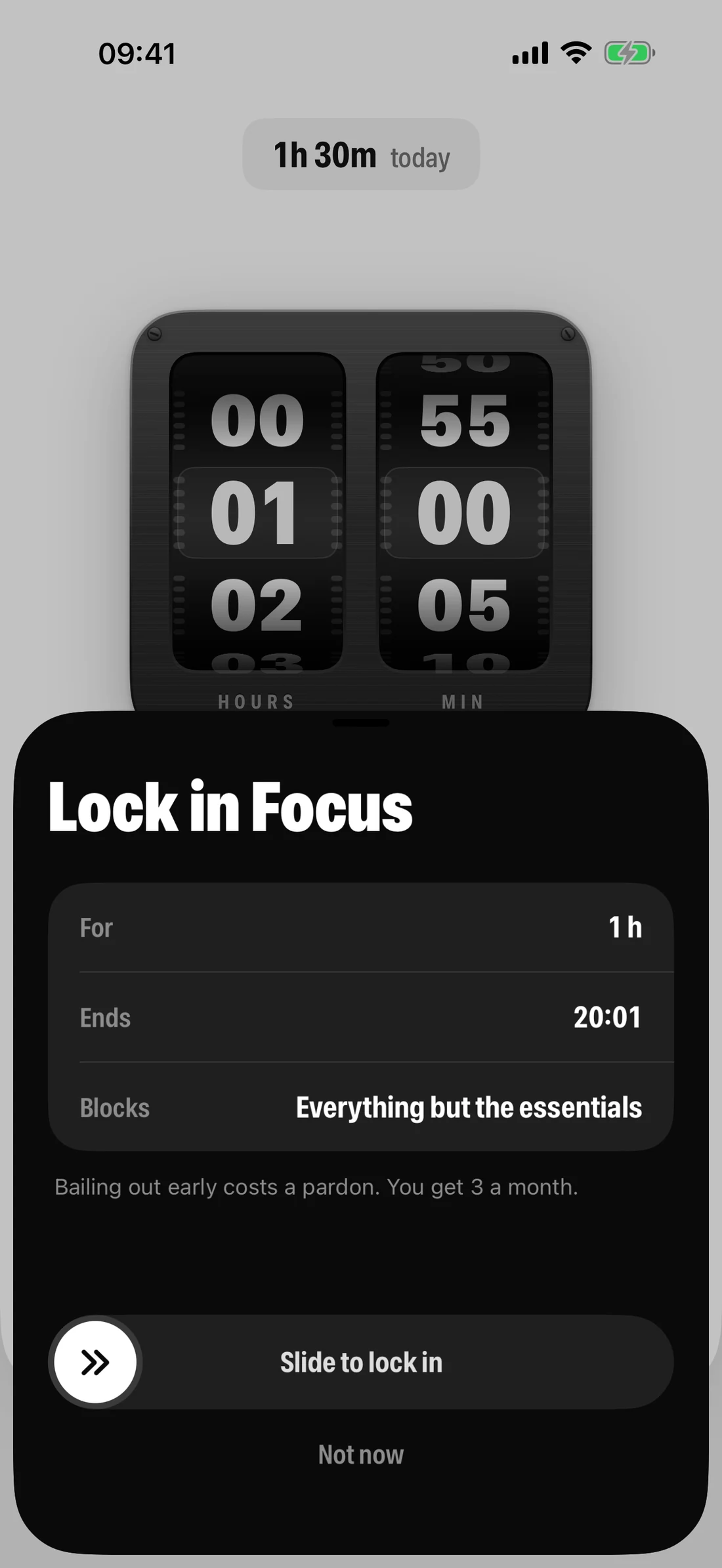
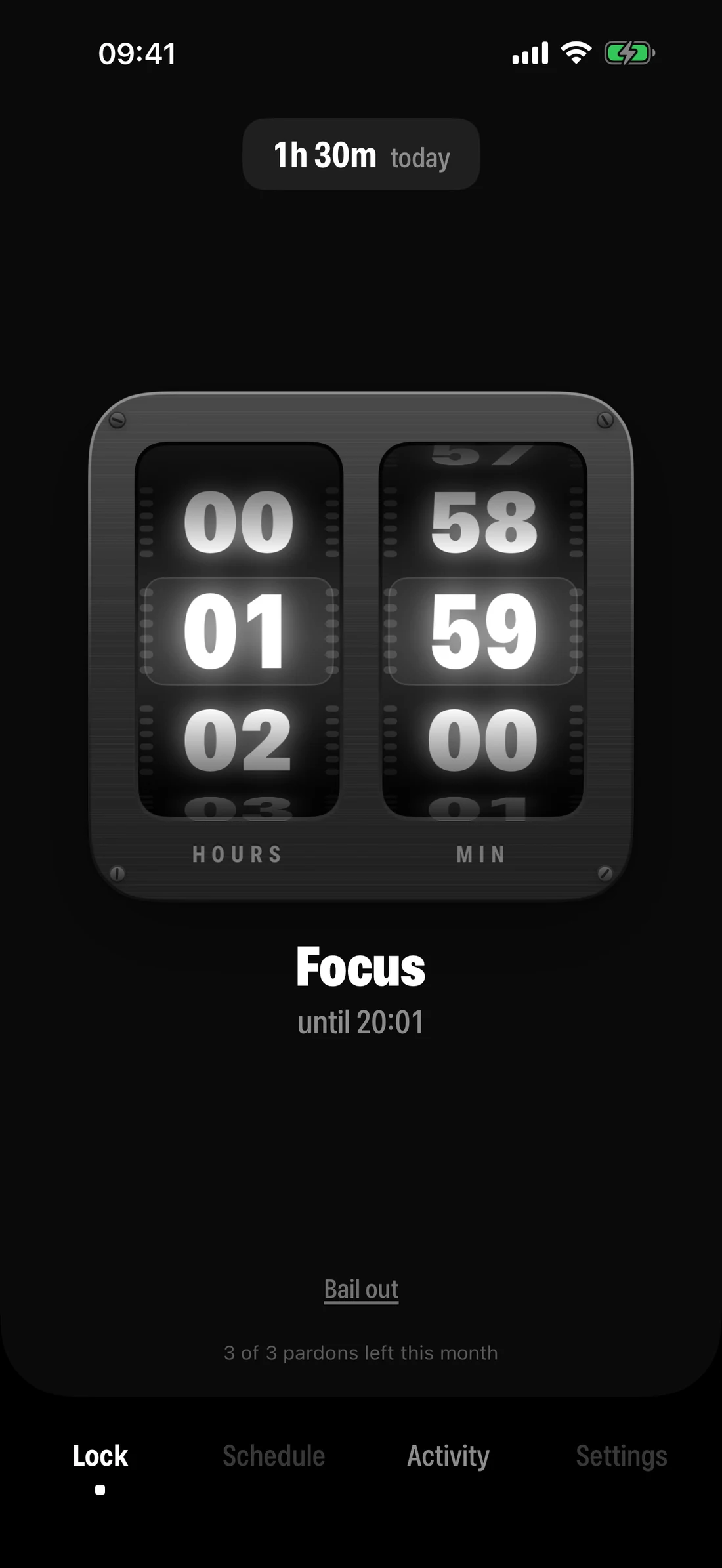
What makes Bail different
Built into iPhone
Apps and gadgets
Free for iPhone
See how Bail compares with Opal, Brick, ScreenZen and others →
Removing the off switch
Bail helps you set a Screen Time passcode that nobody knows, you included. You do it once, with a laptop or a second phone next to you.
In Bail, open Settings → Lock Screen Time. Bail shows a code and a QR code for usebail.com/lock.
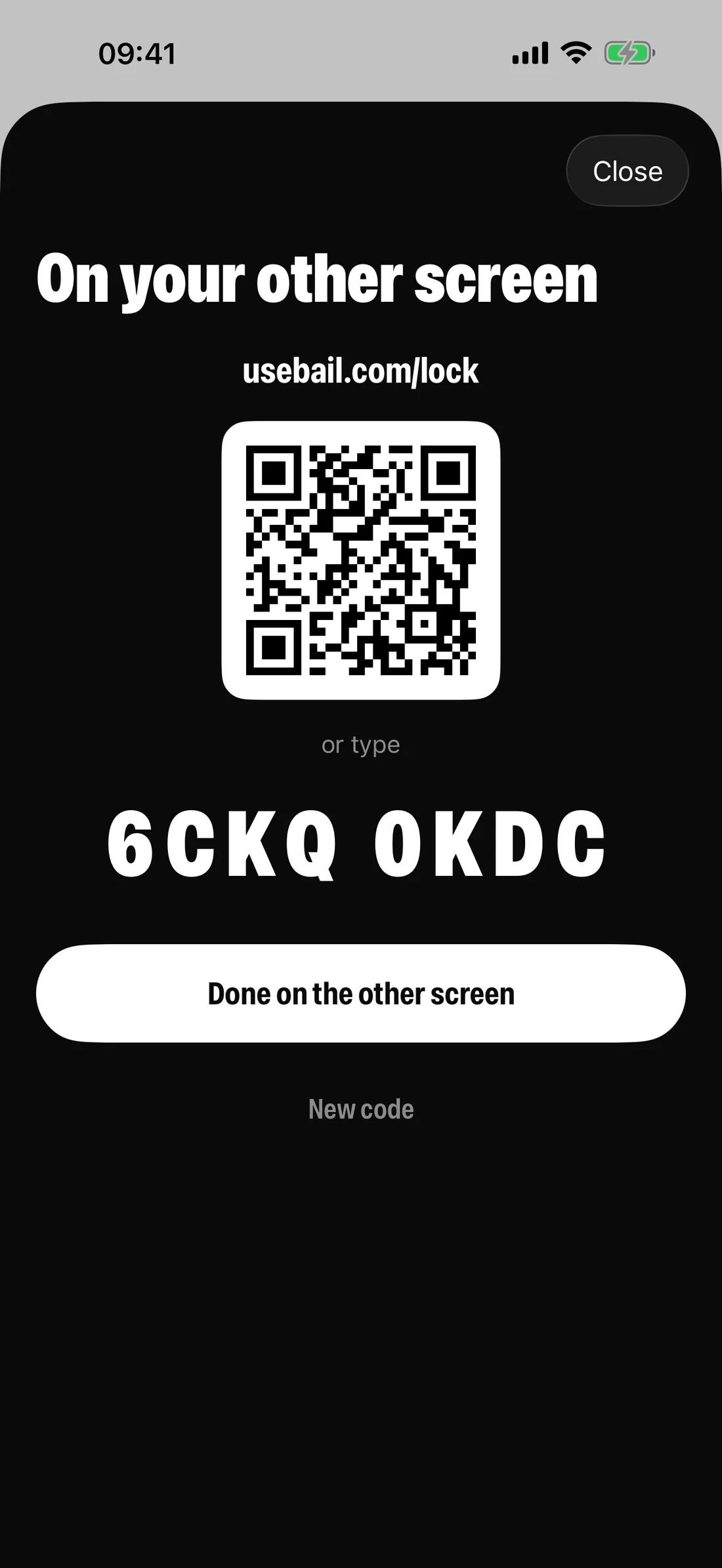
On a laptop or second phone, the page gives you each digit as a quick sum, with decoys to delete. You press the answers in iPhone Settings.
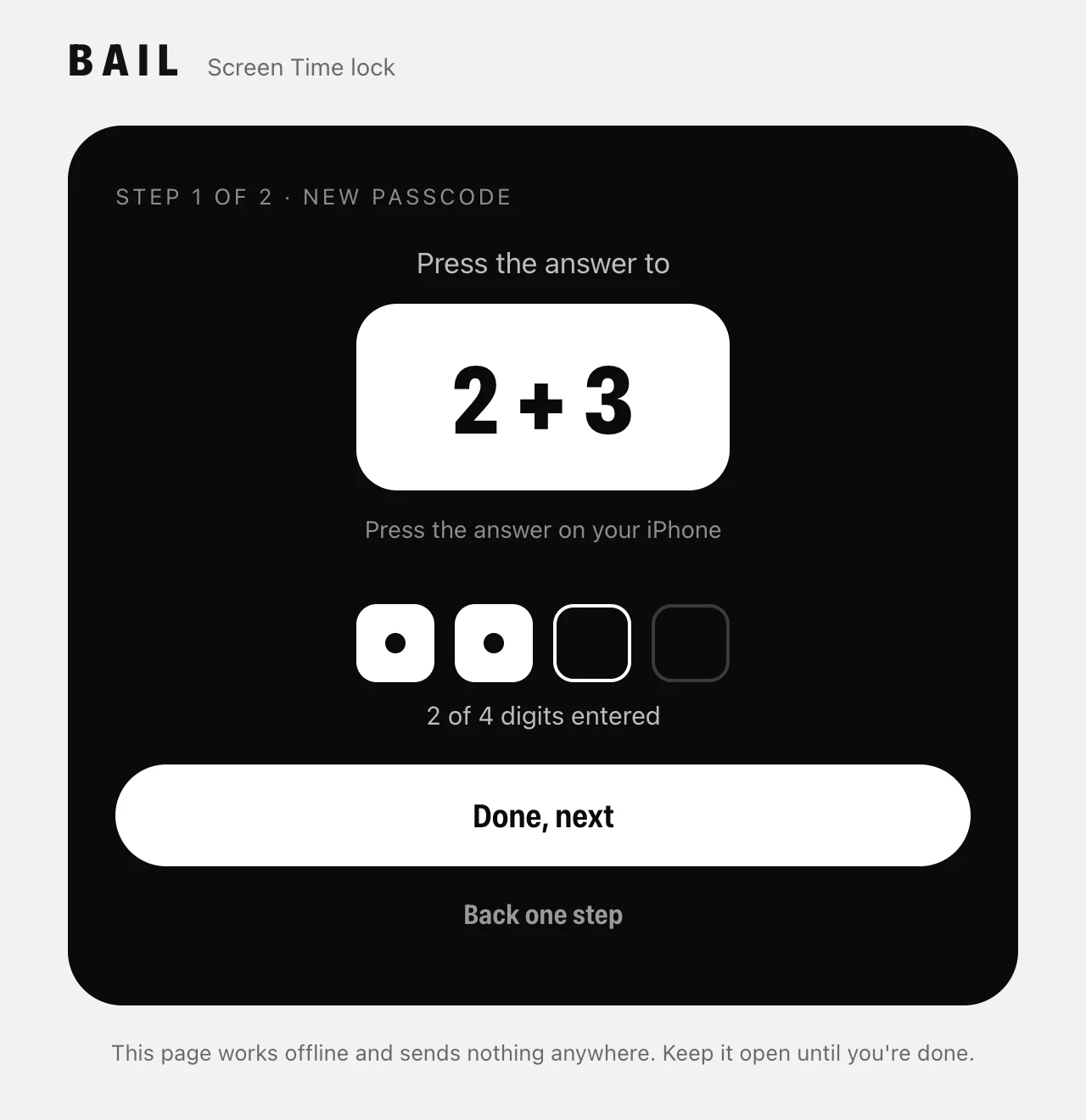
Try to switch Bail off and iOS asks for a code you don't have. If you ever truly need it back, there's a recovery route below. On purpose, it takes a human.
Already have Bail? The lock page is at usebail.com/lock.
"What if I actually need my phone?"
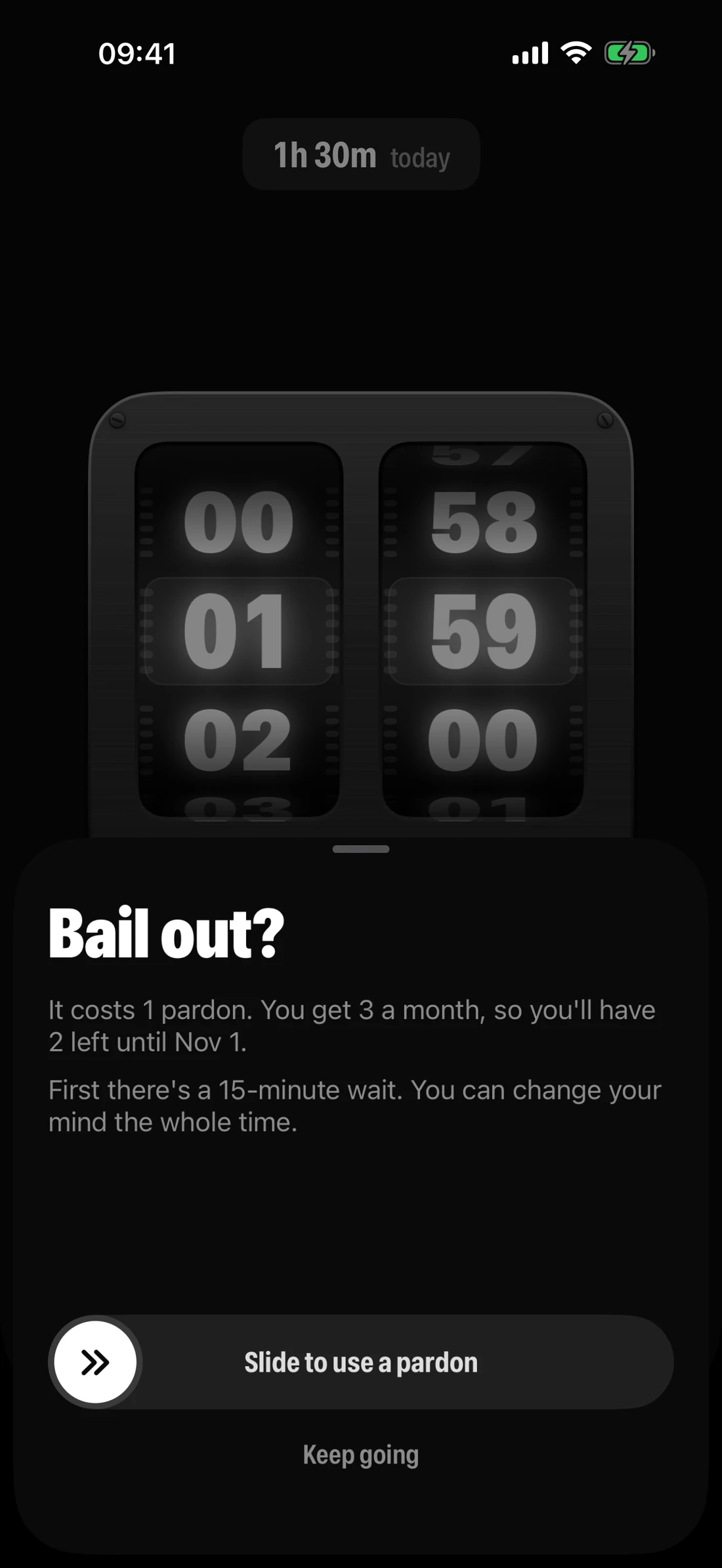
Because occasionally you actually do need Instagram. Bail has exactly one way out, and it's slow on purpose.
"Free? What's the catch?"
No subscription, no in-app purchases, no device. The strict version is the only version, and it's free.
No puck, card or tag to keep with you, forget at home, or lose. It's all in the phone you already have.
No analytics, and no account unless you lock Screen Time. What you block and when stays on your iPhone.
The honest bit
Better you read it here than find out at 1am.
You pick the date when you set it up: a week, a month, three months, or any day you like. Bail keeps the passcode sealed until then, and on the morning it shows it in the app and emails it to you. You can push the date later, never sooner. In an emergency, a friend who is your Passcode Recovery account can reset it with you.
FAQ
Yes. Every feature, with no subscription, device or ads. You only need an email address if you lock Screen Time, so we can give the passcode back.
Because "Ignore Limit" is one tap away when you know the passcode. Bail uses Screen Time's own blocking, then removes the part you can cheat.
You can, and then you need them every time you want to change something. Bail lets you set a passcode nobody knows without putting anyone in the middle. A friend's Apple Account as Passcode Recovery is still a great extra lock.
No. Without it, Bail is a good blocker. With it, Bail is one you can't switch off.
Use a pardon. After a 15-minute wait you're out. You get three a month.
You choose when, during setup. On that date Bail shows you the passcode and emails it to you. Before it, Bail won't give it out. A friend who is your Passcode Recovery account can still reset it with you in an emergency.
No. Apple's Screen Time gives Bail sealed tokens for what you block, so we can't even see which apps they are. No analytics, and what you block stays on your phone. If you lock Screen Time, we hold your email address and the sealed passcode, nothing else.
A note from the maker
Bail is built around a simple idea: if you keep disabling your app limits, maybe the answer isn't another reminder to be disciplined. Maybe it's removing the off switch.
It's one person building it, it's early, and there's more to improve. Feedback from people actually using Bail decides what gets fixed first.
Thanks for giving it a shot.
Roddy, who builds Bail
Found a bug, or something Bail should do? Tell me. What's changed so far is in the changelog.
Bail is free. It's coming to the App Store soon; we'll tell you the day it's there.